

Introduction
Stream Lab is the first automated video stream testing solution that empowers you to assess your viewer's quality of experience and your stream functionality on a wide range of physical devices without officially supporting them.
Bitmovin MCPYou can access and query Bitmovin Documentation via mcp.bitmovin.com
Find out more here
Effortless stream testing on physical devices
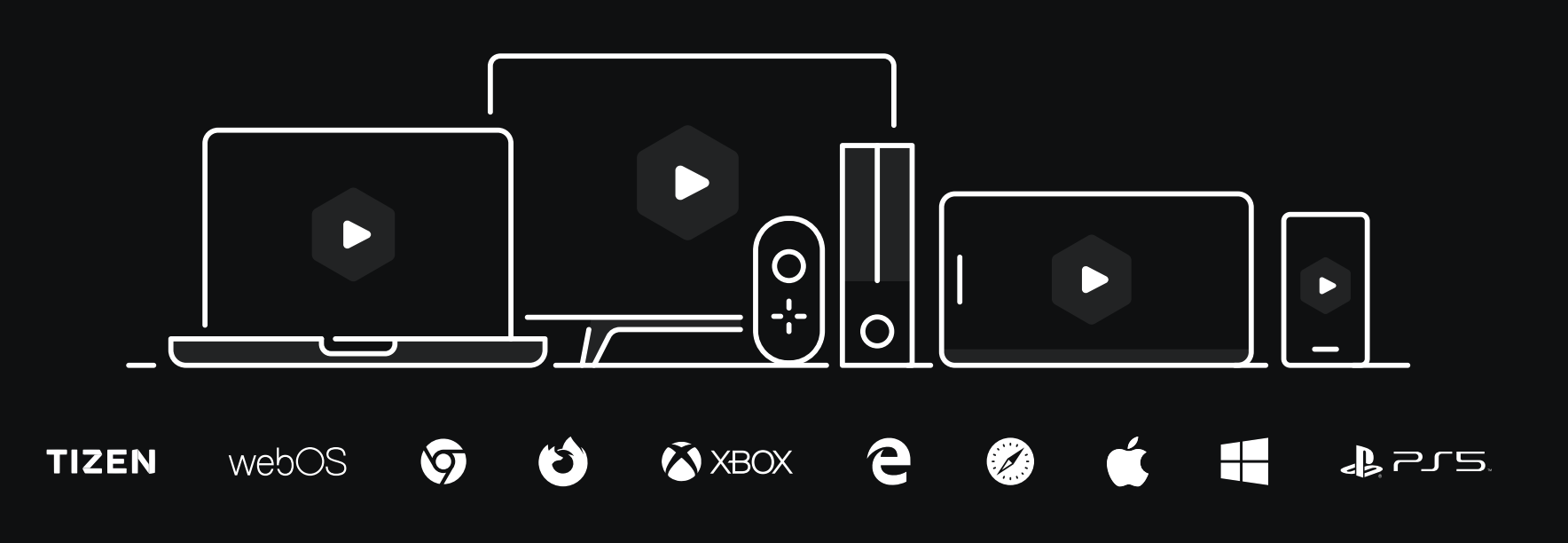
Stream Lab is available on a wide range of platforms & devices, more details can be found here.
Getting started in three simple steps
It takes just three steps to automatically test your streams to guarantee quality of experience and functionality across any device:
- Submit a stream via the Bitmovin Dashboard & select a test environment (see our docs on Adding a stream)
- Initiate the test run (either as Regular Test or trigger it manually)
- Get a detailed test report 🎉
Learn more about Stream Lab in our blog post: Bitmovin’s Stream Lab – The Latest Approach to Stream Testing, Support and Playback.
Updated 18 days ago
Did this page help you?